Most businesses in Dubai need print at short notice: flyers for a weekend promotion, business cards for a new hire, brochures for a meeting next week. Digital printing is what makes that possible. It goes straight from your file to the press, with no printing plates and very little set-up, so small and medium runs can be ready quickly and at a fair price.
But it isn’t the answer to every job. Knowing when to choose digital, and how to prepare for it, saves time and money.
How digital printing works
A digital press works a bit like a very large, very precise office printer. Your PDF is sent to the machine, which prints toner or ink directly onto the paper or card. Because there are no plates to make, the first copy costs about the same to set up as the hundredth.
Offset printing, by contrast, transfers ink from metal plates. Making those plates and setting up the press takes time, which is why offset usually makes sense only for very large quantities.
When digital printing is the right choice
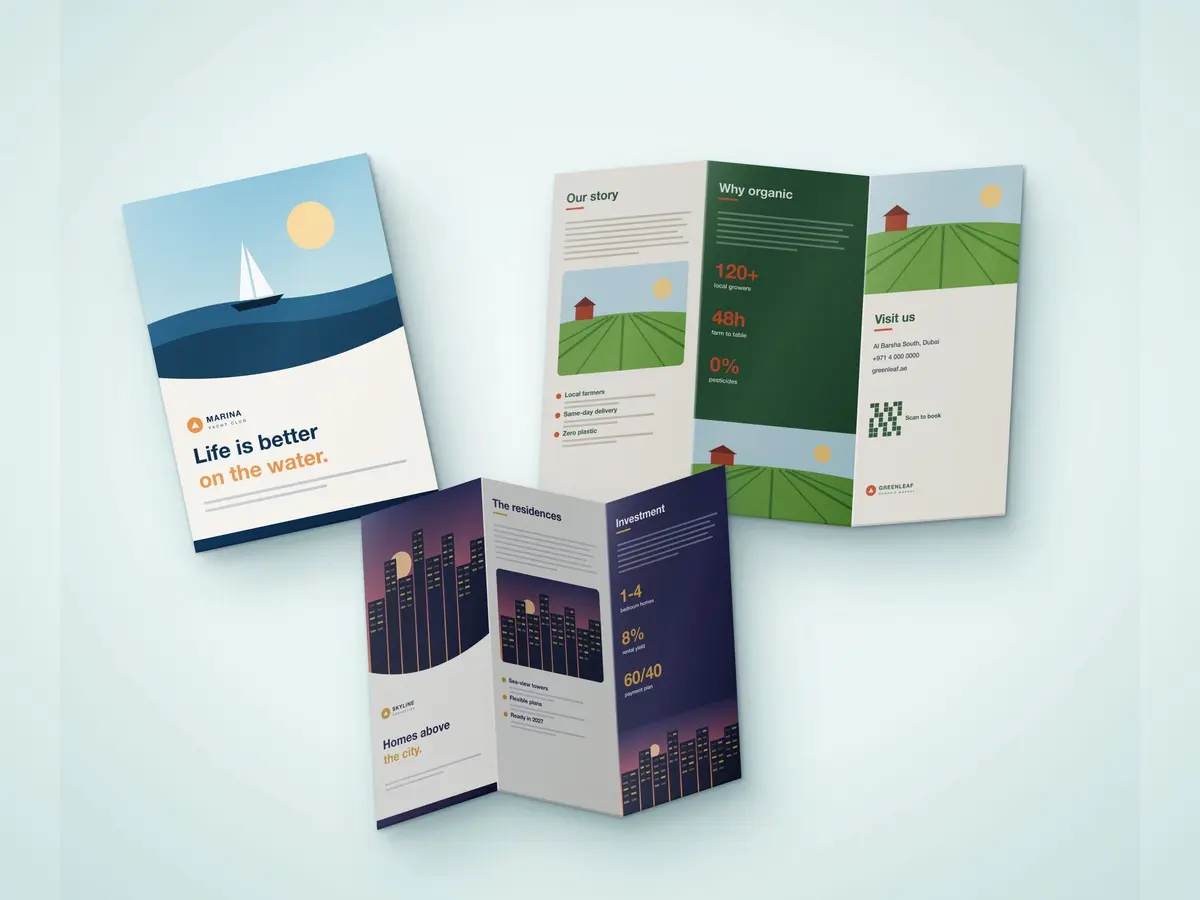
- Short to medium runs. Ten, a hundred or a few hundred copies of a flyer or tri-fold brochure.
- Tight deadlines. No plates means jobs can move from proof to press quickly.
- Frequent updates. Price lists, menus and offers that change often can be reprinted in small batches instead of one big stock that goes out of date.
- Personalised items. Names, numbers or codes that change on every piece, such as certificates or event passes.
- Testing a design. Print a small batch, see how customers respond, then adjust.
When offset may be better
If you need many thousands of identical copies, or an exact ink colour match across a long run, offset can work out cheaper per piece. A good printer will tell you honestly which method suits your quantity rather than pushing one by default.
Preparing your files for digital print
- Send a print-ready PDF. Fonts embedded or outlined, images placed at full size.
- Add bleed. Extend background colours and images about 3 mm past the trim edge so there are no white slivers after cutting.
- Keep text inside a safe margin. Leave a few millimetres between important text and the edge.
- Use high-resolution images. Photos copied from a website often look blurred in print.
- Design in CMYK. Bright screen colours can print slightly duller, so check a proof if colour matters.
Choosing paper and finishes
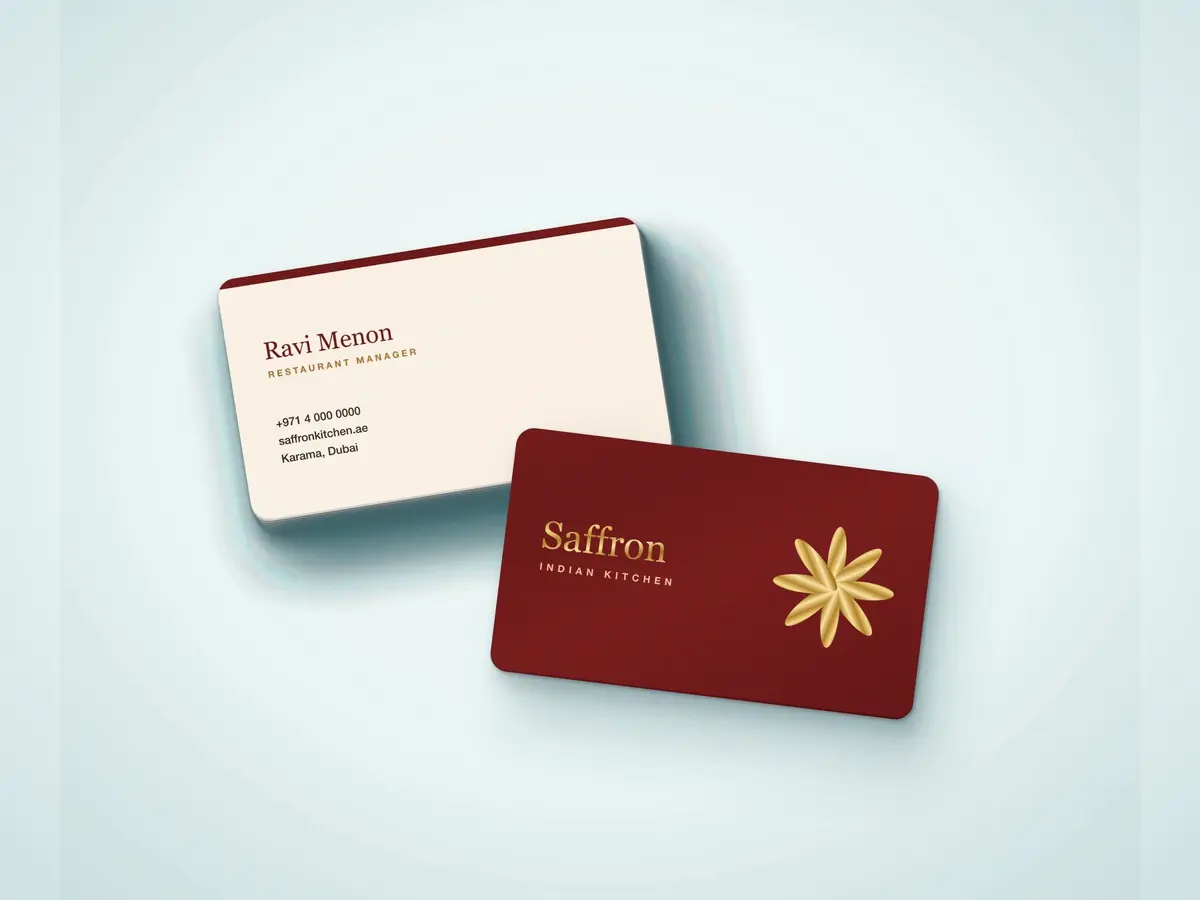
Digital printing works on a wide range of stocks, from everyday paper for letterheads to thick card for business cards with matte lamination. Gloss suits bright, photo-heavy designs; matte feels calmer and is easier to read and write on. Lamination adds protection for items that get handled a lot.
Digital printing with NearPrint
NearPrint is a digital printing service in Dubai built around fast turnaround and delivery to your door. We check your file, send a proof before printing and recommend the paper and quantity that fit your budget.
For more ideas, read our exhibition printing checklist or our guide to premium business cards. Browse our business printing range, or send us your file for a quote.