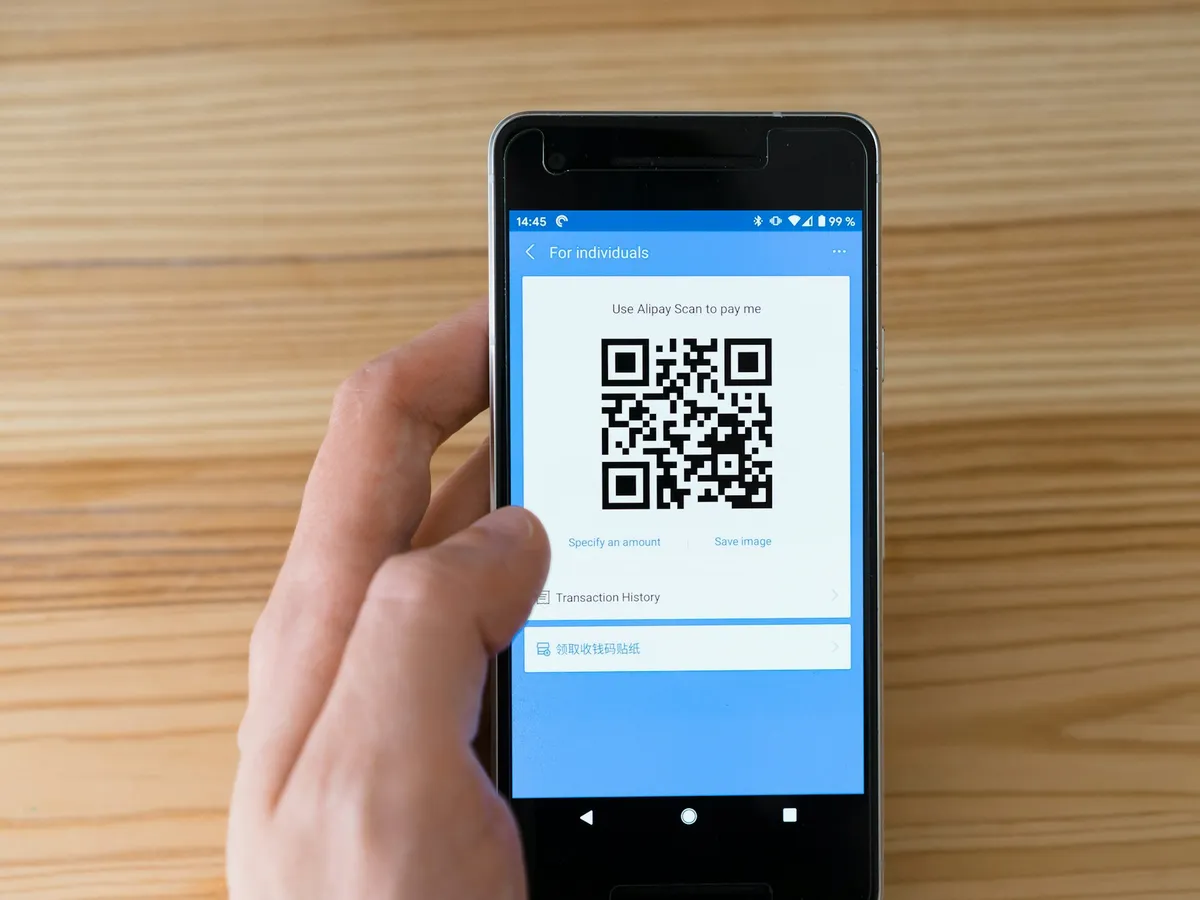
Since 2020 almost everyone in Dubai has learned to point a phone at a QR code without thinking about it. That makes a printed QR code one of the cheapest ways to move someone from a card, a table or a shop window to your website, your menu or a WhatsApp chat.
But the code is only as good as where you put it and where it goes. Here’s where QR codes earn their place on print.
QR Code Business Cards
A QR code card saves your contact straight into someone’s phone, or opens your portfolio, LinkedIn or WhatsApp. It’s the fix for the classic problem: the card goes in a pocket and gets lost.
- Put the code on the back, with your name and number still printed on the front.
- Link to a contact file (vCard) or a WhatsApp chat, not just your homepage.
Standard visiting cards with a QR code can be with you in as little as 3 hours.
QR Code Stickers and Labels
QR code labels go anywhere: on product packaging for instructions or reordering, on equipment for service records, on delivery bags asking for a review. If they’ll be handled or used outdoors, ask for a laminated or vinyl finish so the code doesn’t rub off. Our label material guide explains the options.
QR Code Stands for Counters and Tables
A small QR code stand on the counter is the easiest way to collect Google reviews, Instagram follows or payments. Table tent cards do the same job on café and restaurant tables, with a QR code on one side and a promotion on the other.
QR Code Menus for Cafés and Restaurants
Many Dubai restaurants now use both: a printed menu for people who want one, and a QR code for the full menu with photos and prices that change. Add the code to your printed menus or menu tent cards, and update the online version without reprinting.
QR Codes on Banners, Flyers and Shop Windows
On a roll-up banner at an exhibition, a QR code captures visitors who don’t want to stop and chat. On flyers it can link to a booking page or an offer. Make it big: someone scanning a banner may be two or three metres away.
6 Rules So Your QR Code Actually Scans
- Size it for the distance. At least 2 cm wide on a card, and much bigger on a banner. A rough guide: the code should be about a tenth of the scanning distance.
- Keep the contrast high. Dark code on a light background. Light codes on dark backgrounds often fail.
- Leave a quiet border of empty space around the code. Don’t let text or graphics touch it.
- Tell people why to scan. “Scan for the menu” or “Scan to WhatsApp us” gets far more scans than a code on its own.
- Use a link you control. A dynamic QR code or a page on your own site lets you change where it goes later without reprinting.
- Test it before printing. Scan the proof with two or three different phones. We’ll check it too.
Get Your QR Code Printing Done
Send us the link or the code file and tell us what it’s going on. We’ll check the size and contrast before anything is printed. Delivery is free anywhere in Dubai. Request a quote, and mention QR codes so we can suggest the right product.